
Challenge Description
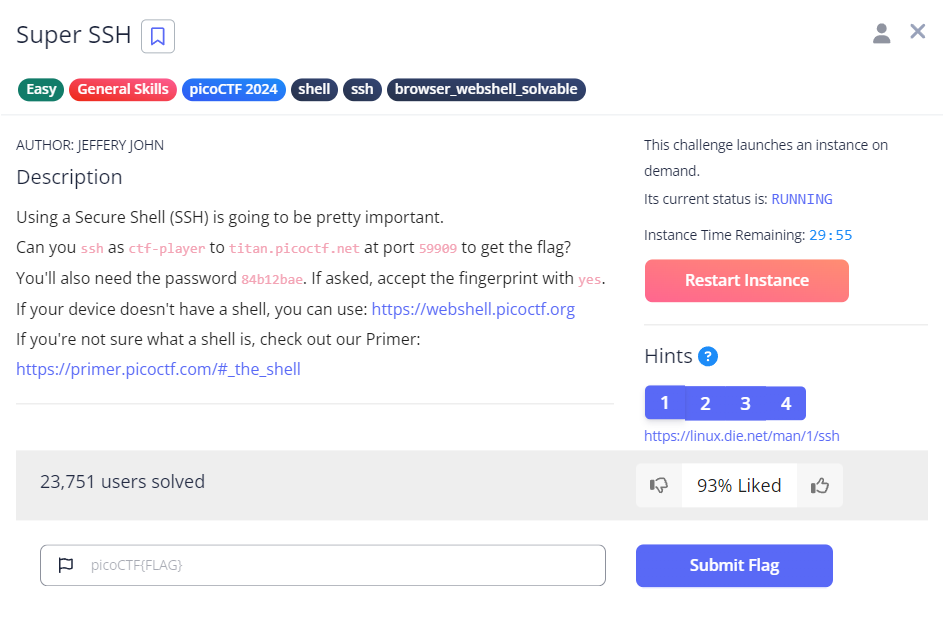
The challenge description basically told us exactly what we have to do to get the flag. We can just follow the instructions.
The main challenge is to come up with the SSH command to connect to their server. Thankfully, the SSH Linux man page was provided in one of the hints. Alternatively, running man ssh in the terminal also works.
With the help of the SSH man page, I was able to use the following command to connect to the SSH server:
Bash
ssh -p 59909 [email protected]-p: Specifies the port to connect to on the remote host.
Obtaining the flag
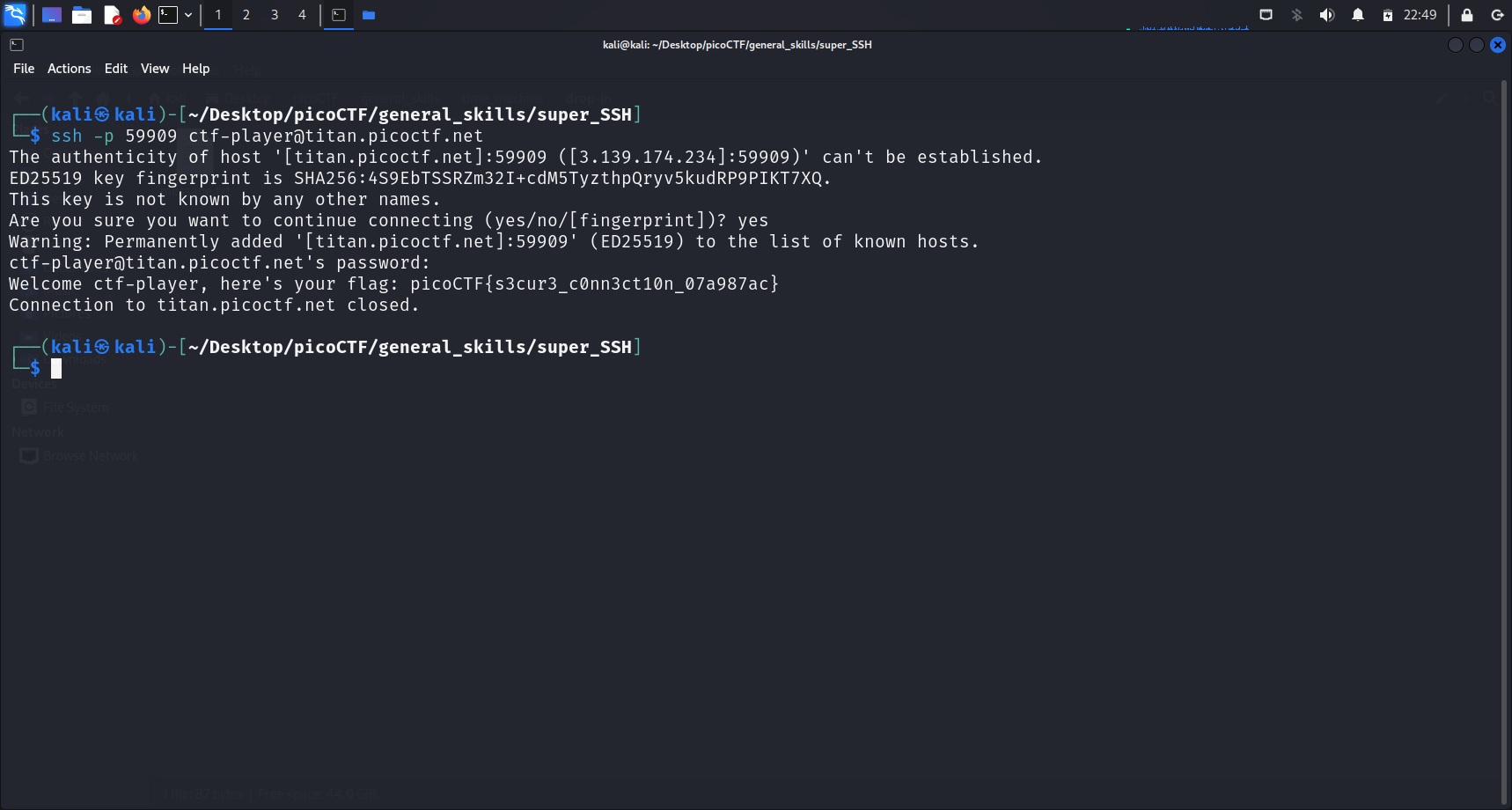
Once I connected to the server, I was greeted with this line:
Welcome ctf-player, here's your flag: picoCTF{s3cur3_c0nn3ct10n_07a987ac}
Flag
picoCTF{s3cur3_c0nn3ct10n_07a987ac}