
Challenge Description

Honestly, I have put off this challenge for the longest time because I feared that I wouldn’t be able to solve it since I had no prior experience with apk files.
However, after attempting this challenge, I realised that prior knowledge about android apk files is not required for solving this challenge.
Downloaded file
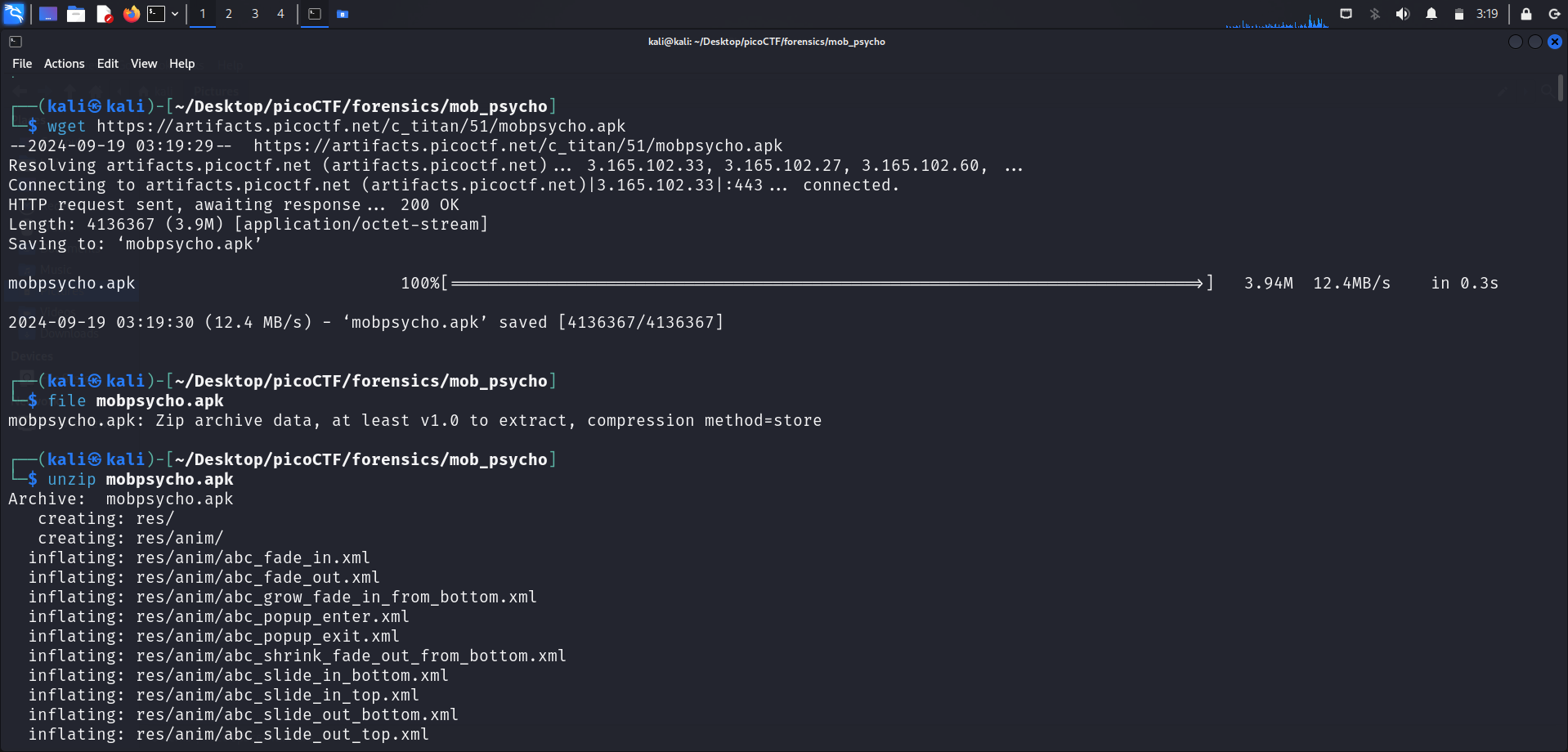
We first download the file using wget <link>. The downloaded file is named mobpsycho.apk. Running file on it reveals that it is a zip file.
PicoCTF Hint: Did you know you can
unzipAPK files?We’ll proceed by unzipping the downloaded
apkfile.
Extracted contents
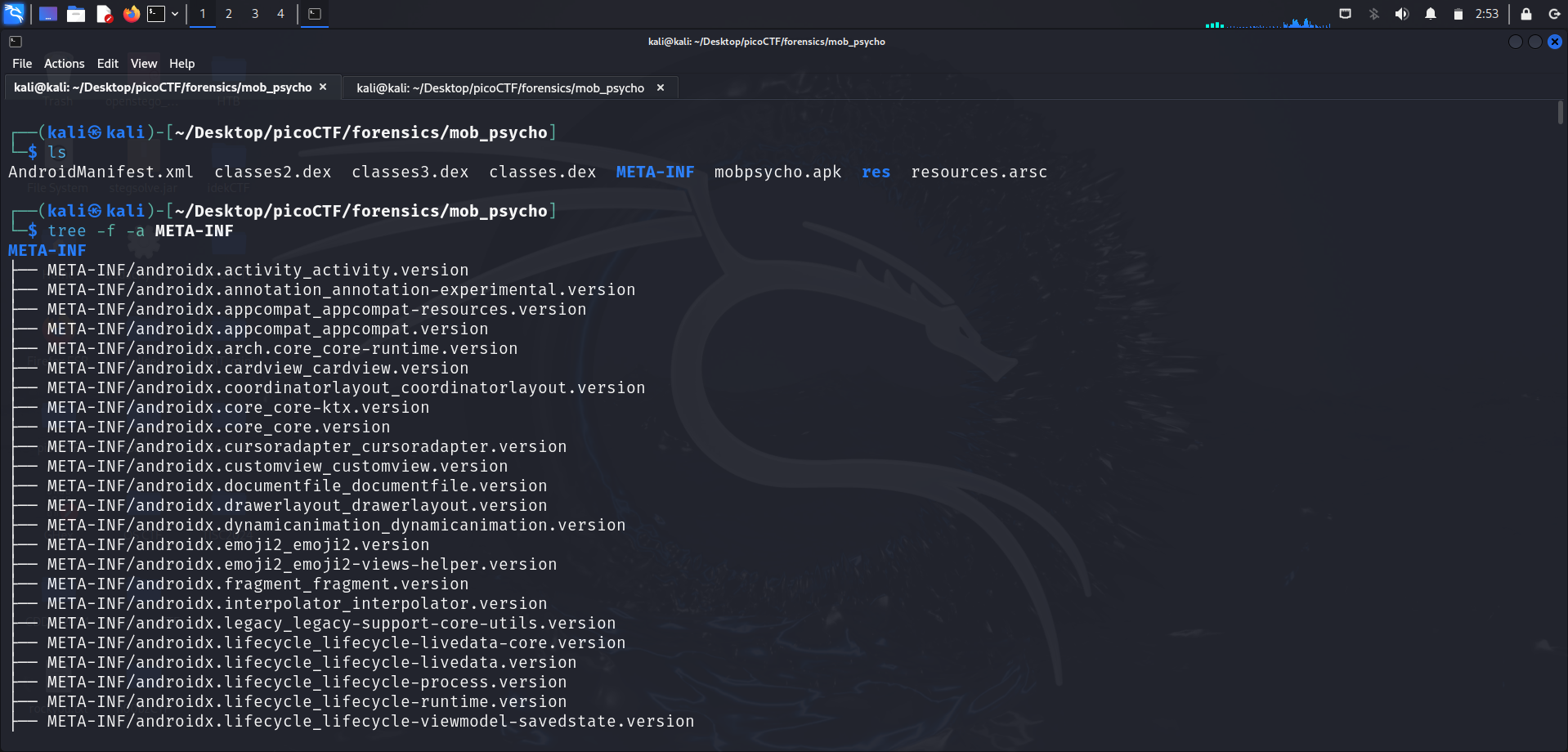
There were many files and directories extracted from the apk file provided. Running ls shows a couple of new files such as classes.dex, classes2.dex, classes3.dex and 2 directories, META-INT and res.
Checking contents of the dex files
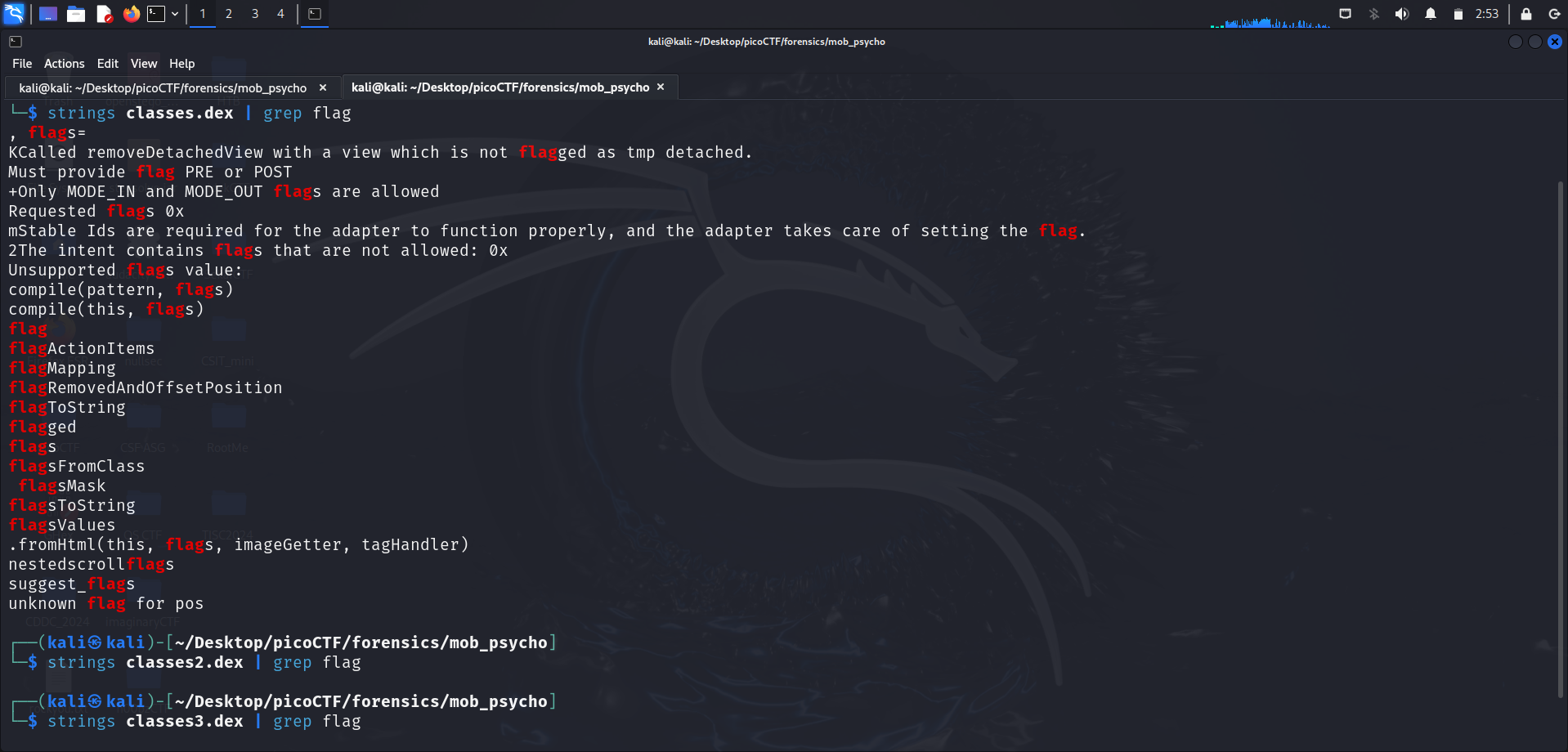
I opened a separate terminal and ran strings <file-name> | grep flag on the 3 dex files (classes.dex, classes2.dex, classes3.dex) to check if there were any new findings.
Only classes.dex displayed many lines that contained the word “flag” when I ran strings. However, they didn’t reveal the actual flag.
I then repeated the same process, this time with “pico” being the search term, but this was also not helpful.
Checking the contents of the extracted directories
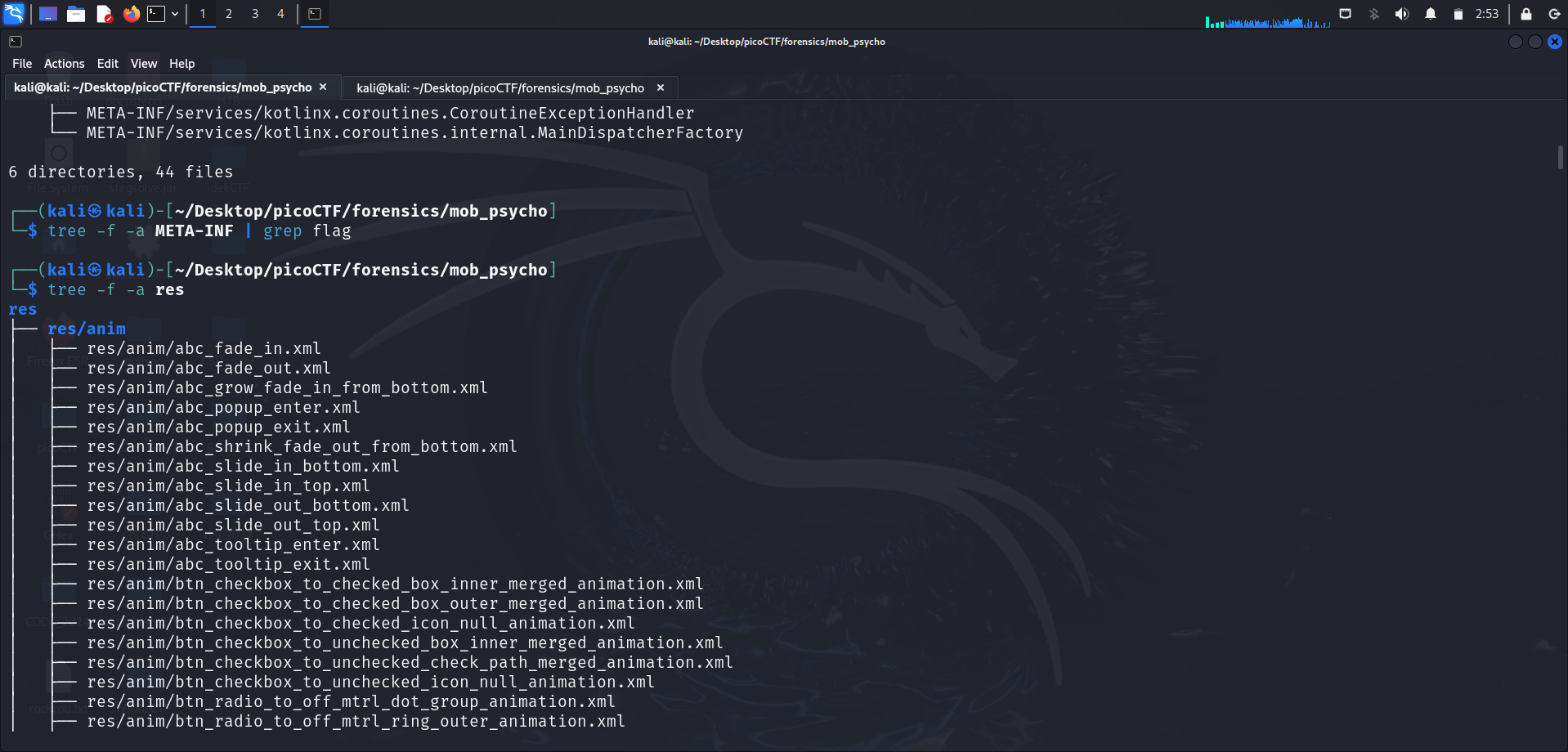
Running tree -f -a META-INT on the META-INT directory showed that there were a total of 6 and 64 files within it.
I tried to pipe the displayed files through grep (with the search term being “flag”), to find files that contained “flag” in the name.
This was not useful for the META-INT directory.
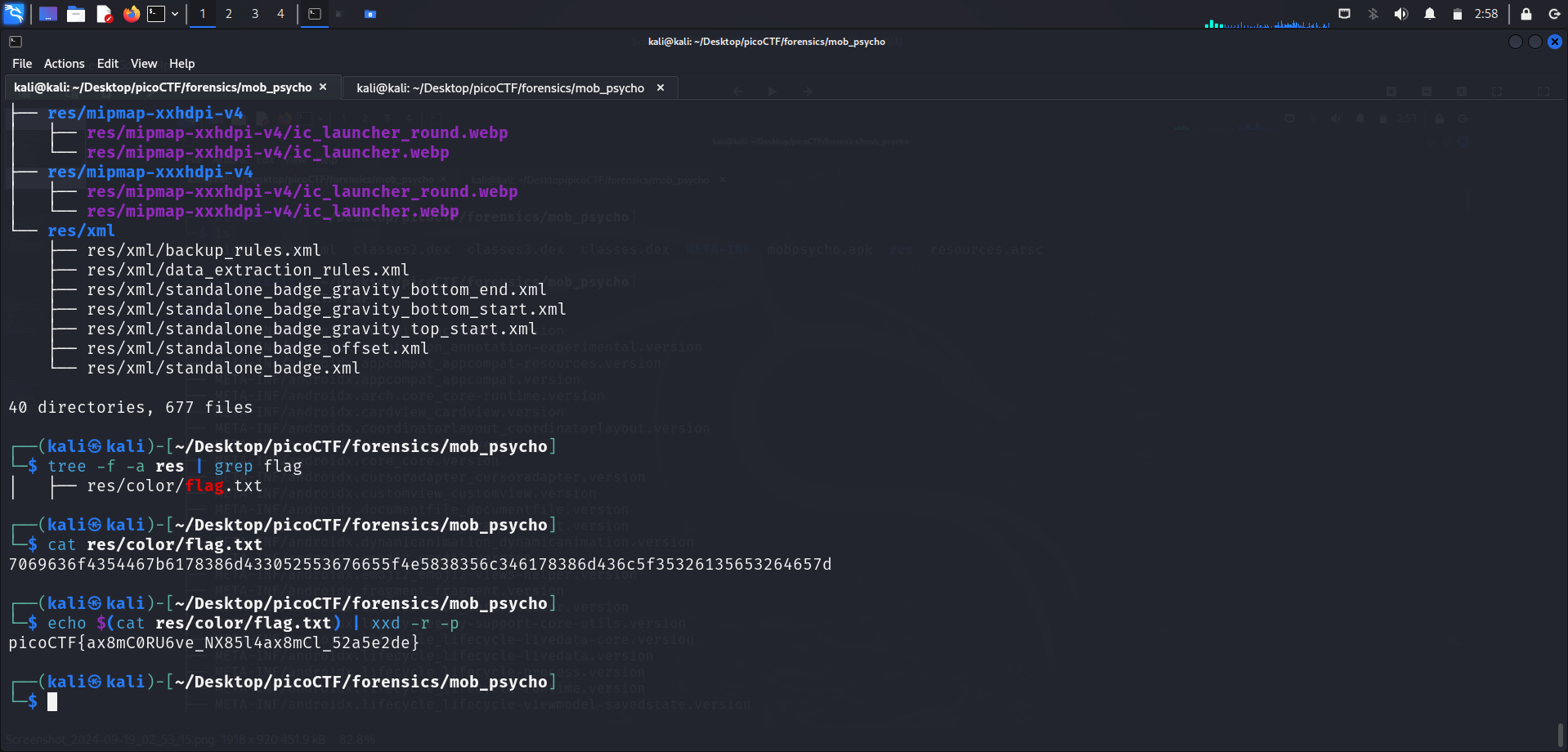
I tested the same command with the other directory (res), which contained 40 directories and 677 files. Piping the displayed directory structure through grep allowed me to find the path to a file named flag.txt.
Discovered path
Path to
flag.txt: res/color/flag.txtI proceeded to display the contents of this file using
cat, which displayed the string below:7069636f4354467b6178386d433052553676655f4e5838356c346178386d436c5f35326135653264657d
I copied this string and pasted it in CyberChef, which instinctively highlighted that this was a Hex string. Converting it from Hex will allow us to claim the flag.
However, I was curious to check if I could convert this string using the CLI itself. From this StackOverflow page, I learnt that this command can be used:
echo $(cat res/color/flag.txt) | xxd -r -pAccording to the xxd man page, we can use the combination -r -p to read plain hexadecimal dumps without line number information and without a particular column layout.
The command reads the hexadecimal data from res/color/flag.txt using cat, passes it through echo, and then converts the hex string back into its original format using xxd -r -p.
Flag
picoCTF{ax8mC0RU6ve_NX85l4ax8mCl_52a5e2de}
References
- Conversion hex string into ascii in bash command line. (n.d.). Stack Overflow. https://stackoverflow.com/questions/13160309/conversion-hex-string-into-ascii-in-bash-command-line